
Google Wallet Mobile App Guide: Your 2026 Success Toolkit
In 2026, cashless transactions have become the norm, making mobile payments essential for daily life. Digital wallets are transforming how we pay, save, and manage our finances.
If you want to take control of your money, the google wallet mobile app is your gateway to seamless, secure, and efficient payments. This guide will show you how to unlock its full potential, from setting up your account to leveraging advanced tools for personal and business success.
Ready to streamline your finances? Discover the features, setup process, top security tips, and expert strategies that make the google wallet mobile app a must-have for every smartphone user.
Understanding Google Wallet: Features & Benefits
The google wallet mobile app has become an essential part of the digital payments landscape in 2026. Evolving from Google Pay, Google Wallet now offers a more integrated and secure environment for managing payments and personal credentials. Unlike other digital wallets, it synchronizes seamlessly with Android and Wear OS, delivering a unified experience across devices. For context, over 1.5 billion users worldwide adopted Google Wallet by 2025, highlighting its global impact.
What is Google Wallet?
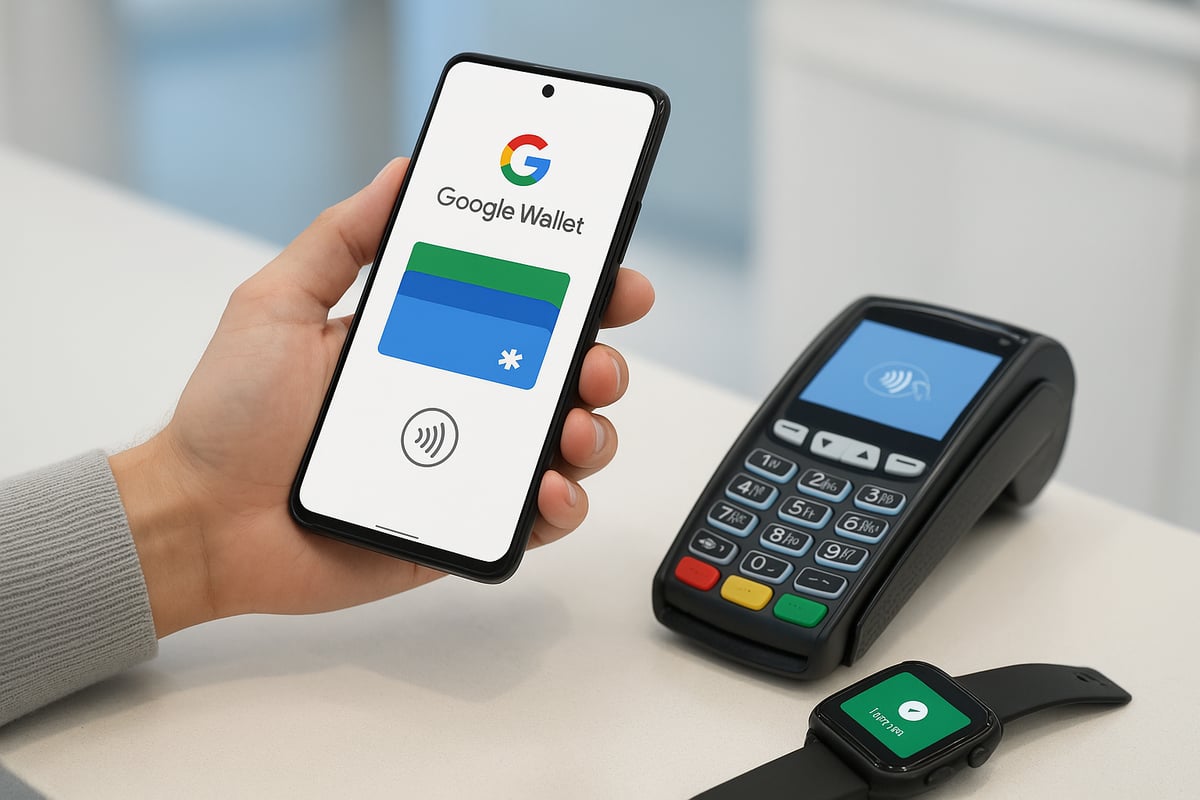
Google Wallet is a digital wallet platform designed to store your payment cards, IDs, tickets, and more within a single application. It evolved from Google Pay, expanding its capabilities to include digital identification and tighter integration with Android and Wear OS devices. The google wallet mobile app stands out from competitors due to its deep system integration, intuitive interface, and support for the latest security standards. By 2025, its user base surpassed 1.5 billion, reflecting widespread global acceptance.
Core Features in 2026
The google wallet mobile app enables contactless payments at millions of merchants worldwide, eliminating the need for physical cards. Users can store credit, debit, loyalty, transit, and event tickets digitally for quick access. Peer-to-peer payments and instant transfers are supported, making it easy to split bills or send money. The app also integrates with online checkouts for in-app purchases. Notably, it offers support for digital IDs and driver’s licenses in select regions, further reducing wallet clutter.
Benefits for Everyday Users
Everyday users of the google wallet mobile app enjoy more streamlined transactions and no longer need to carry bulky wallets. Built-in tools help track spending and set budgets, complemented by real-time notifications for every payment and receipt. According to Google, users report a 30% faster checkout experience. For those interested in maximizing loyalty rewards, digital wallet loyalty cards provide a seamless way to collect points and benefits, here’s why digital wallet loyalty cards work.
Business and Travel Advantages
For professionals and travelers, the google wallet mobile app simplifies expense management and integrates with various loyalty programs and rewards. Business users gain easy access to boarding passes and transit cards, making travel more efficient. In 2026, Google Wallet partners with over 80 airlines and transit agencies globally, allowing users to manage travel and business expenses from a single platform.
Accessibility and Device Compatibility
Google Wallet operates on Android smartphones, smartwatches, and select Chromebooks, ensuring broad accessibility. The app supports NFC-enabled devices for tap-to-pay convenience and leverages biometric authentication, such as fingerprint or face unlock, for secure access.
Setting Up Google Wallet: Step-by-Step Guide
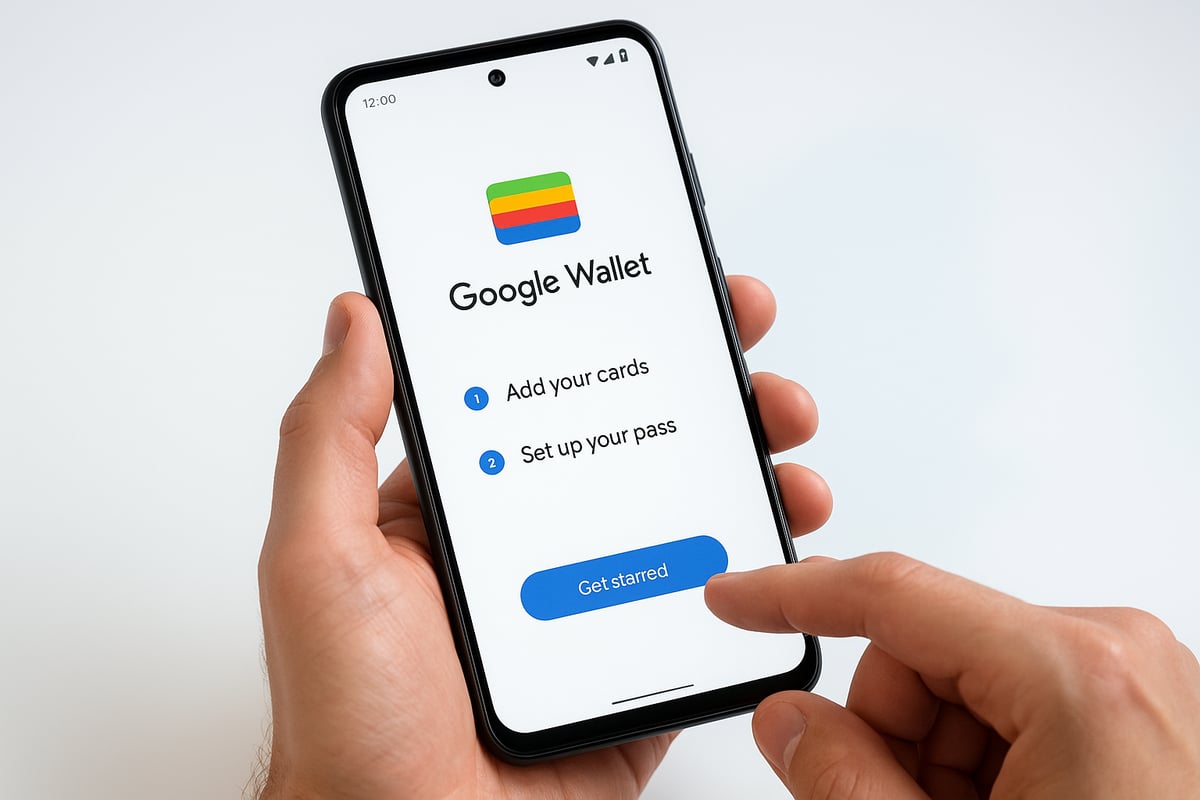
Getting started with the google wallet mobile app is a straightforward process designed for users of all experience levels. Setting up your digital wallet ensures you can make secure, fast payments from your smartphone or wearable right away. Follow these steps to unlock the full potential of your device.
Downloading and Installing the App
Most Android devices come with the google wallet mobile app pre-installed. If it is not already on your phone, open the Play Store and search for “Google Wallet.”
Before installation, ensure your device runs the latest version of Android and supports NFC. This ensures compatibility and access to all features.
Creating or Linking Your Google Account
To use the google wallet mobile app, you need a Google Account. This offers seamless integration with your existing Google services.
If you do not have an account, follow the prompts to create one. Existing users can simply log in, which connects your wallet to your profile and enhances security.
Adding Payment Methods
The google wallet mobile app supports adding multiple payment options. Tap “Add a payment method” and choose to enter your card details manually or use your phone’s camera to scan your card.
You can also link your bank accounts or PayPal. The app works with over 90 percent of major banks globally, ensuring broad access and convenience.
Storing Loyalty, Gift, and Transit Cards
With the google wallet mobile app, store all your loyalty, gift, and transit cards in one place. Scan the barcode or enter card details to add loyalty cards from major retailers.
You can also add transit passes from supported agencies, making commutes and shopping easier. This integration reduces wallet clutter and streamlines daily routines.
Setting Up Digital IDs and Event Tickets
Select regions now allow you to add digital IDs and driver’s licenses to your google wallet mobile app. This feature simplifies identity verification and access to services.
Import event tickets directly from your email or supported apps. For more on digital ID expansion, see Google Wallet’s Digital ID Expansion.
Configuring Security and Privacy Settings
Protect your google wallet mobile app by enabling biometric authentication, such as fingerprint or face unlock. These features help prevent unauthorized access.
Review privacy controls to manage transaction alerts and data sharing preferences. Taking these steps ensures your financial information stays safe and private.
Mastering Google Wallet’s Advanced Tools
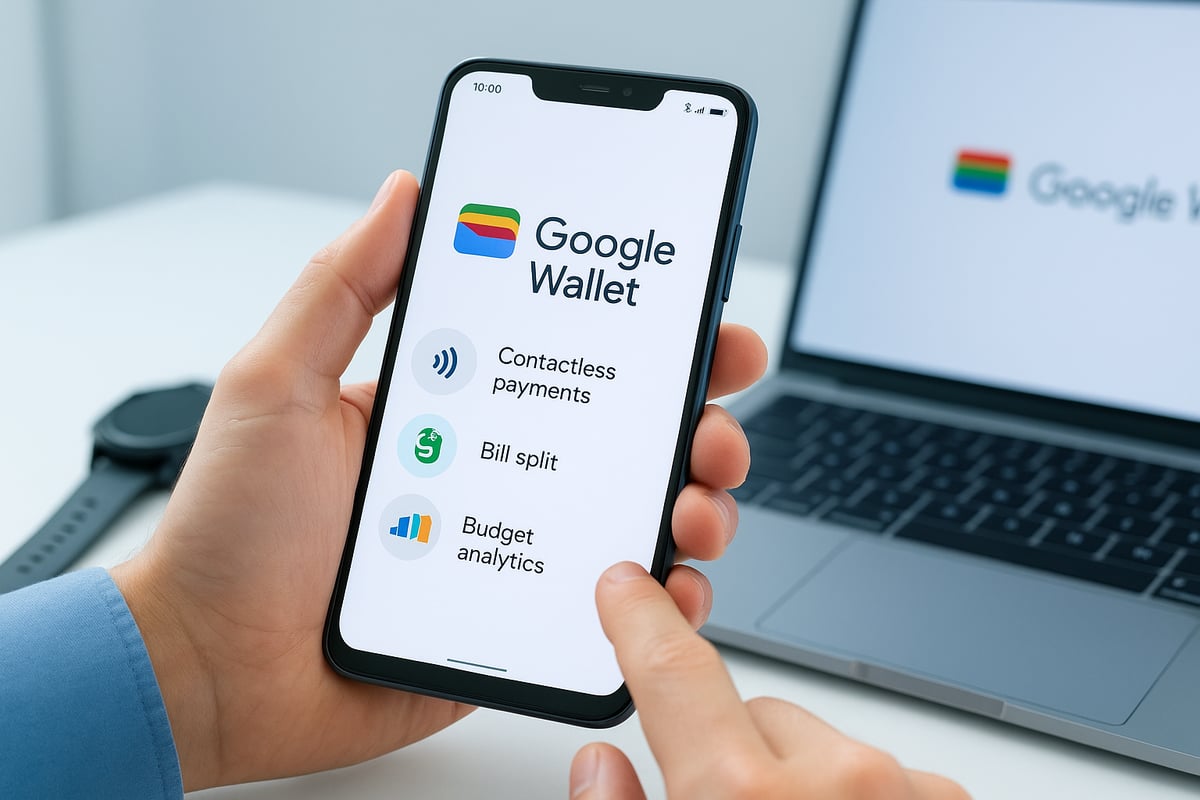
Unlocking the full potential of the google wallet mobile app means exploring its advanced features. These tools go beyond basic payments, offering users powerful ways to manage money, split bills, track spending, and connect with the latest devices for seamless financial control.
Contactless Payments and NFC Technology
The google wallet mobile app harnesses NFC technology, letting you make tap-to-pay transactions at millions of locations worldwide. Simply unlock your phone, hold it near a payment terminal, and your transaction is processed in seconds.
If you encounter issues, check that NFC is enabled in your settings and that your device is held close enough to the terminal. Most US retailers now support contactless payments, making the google wallet mobile app a reliable choice for fast, secure purchases.
Peer-to-Peer Transfers and Bill Splitting
Sending or requesting money is effortless with the google wallet mobile app. You can instantly transfer funds to friends, family, or colleagues by selecting their contact and entering the amount.
The app’s bill splitting feature simplifies group outings. Choose the expense, select participants, and the app divides the total, sending requests to each person. This tool eliminates awkward calculations and helps you keep track of who has paid.
Managing Subscriptions and Recurring Payments
The google wallet mobile app helps you stay organized by tracking all your subscriptions in one place. Easily view, pause, or cancel memberships and recurring charges directly from the dashboard.
Setting up recurring bill payments is straightforward. Add your service providers, set payment dates, and let the app handle the rest. This feature reduces the risk of missed payments and keeps your finances on schedule.
Budgeting and Expense Tracking
Take control of your finances with built-in budgeting tools in the google wallet mobile app. The app categorizes your spending, displays visual analytics, and allows you to set monthly budget limits.
Receive notifications when you approach your spending cap or when unusual activity occurs. Many users have reported improved budget discipline thanks to these insights, making the app a valuable partner for achieving financial goals.
Integration with Wearables and Smart Devices
The google wallet mobile app extends its functionality to smartwatches, fitness trackers, and voice assistants. Make payments with a simple tap on your wearable, or use voice commands to check your balance and recent transactions.
Real-time notifications and updates are available thanks to integration with Android 16 Live Updates, keeping you informed on the go. This seamless connectivity ensures you can manage your wallet from any device, anytime. For more details on these innovations, see Google Wallet’s Integration with Android 16 Live Updates.
Security and Privacy: Keeping Your Money Safe
With the rise of digital wallets, robust security is crucial for users of the google wallet mobile app. Google has engineered comprehensive safeguards to protect your financial data and privacy, ensuring every transaction is secure and confidential.
Multi-Layered Security Protocols
The google wallet mobile app employs advanced encryption and tokenization to secure your payment information. Each transaction uses a unique, temporary code instead of your actual card number. Google pushes regular security updates to address emerging threats and vulnerabilities.
For an in-depth look at these protections, review the security practices for digital wallets that outline the latest standards in digital payment safety.
Biometric and Two-Factor Authentication
Access to the google wallet mobile app requires authentication, such as fingerprint or face unlock. You can also set a secure PIN for added protection. Two-factor authentication further shields your account, requiring confirmation from a trusted device or email during sensitive actions.
This multi-step process ensures only you can access your funds, even if your device is lost or stolen.
Fraud Detection and Dispute Resolution
Google actively monitors transactions within the google wallet mobile app for suspicious activity. Instant alerts notify you of any unusual charges or login attempts. If you notice unauthorized payments, it is simple to dispute them through the app’s streamlined process.
Support teams are available to help resolve issues quickly, minimizing the risk of financial loss.
Privacy Controls and Data Transparency
You have full control over how the google wallet mobile app manages your personal data. Easily manage sharing preferences, review your transaction history, and access detailed activity logs at any time.
Google complies with major privacy regulations, including GDPR and CCPA, to ensure your information remains confidential and transparent.
Tips for Avoiding Scams and Phishing
Stay vigilant when using the google wallet mobile app. Common scams include fake requests for money or phishing emails pretending to be from Google. Always verify payment requests, never share your authentication codes, and report any suspicious activity immediately.
Following these best practices helps keep your digital wallet safe from fraudsters.
Maximizing Google Wallet for Business & Loyalty
Adopting the google wallet mobile app can transform the way businesses handle payments, engage customers, and streamline operations. Whether you run a small café or manage a large retail chain, leveraging mobile wallet technology can lead to greater efficiency, improved customer loyalty, and simplified expense management.
Accepting Google Wallet Payments as a Merchant
Businesses can quickly set up the google wallet mobile app to accept contactless payments. Most modern Android POS systems are compatible, and setup often requires just a few taps to enable NFC payments. Merchants benefit from fast, secure transactions, reduced cash handling, and lower risk of payment errors.
Integration is seamless with popular POS providers, making it easy for businesses to upgrade without major investments. By accepting the google wallet mobile app, merchants join a growing network, as digital wallets now account for 70% of small business payment acceptance in the US (Forbes, 2025).
Leveraging Loyalty and Rewards Programs
With the google wallet mobile app, businesses can create and distribute digital loyalty cards directly to customers’ phones. This eliminates the need for physical punch cards and encourages repeat visits. Customers can enroll instantly at checkout and receive rewards automatically with each purchase.
Designing an effective loyalty program is easier than ever, and businesses can learn actionable strategies from guides like how to design a loyalty program that works. Case studies show that digital loyalty integration leads to higher customer retention and increased sales over time.
Digital Receipts and Automated Bookkeeping
Issuing digital receipts through the google wallet mobile app streamlines expense reporting for both businesses and customers. Receipts are delivered instantly, reducing paper waste and making it easier to track purchases.
Integration with accounting software further automates bookkeeping tasks. Businesses can quickly reconcile transactions, monitor cash flow, and simplify their end-of-month processes using the google wallet mobile app.
Using Google Wallet for Employee Expenses & Reimbursements
The google wallet mobile app makes managing employee expenses more efficient. Businesses can issue digital cards to staff, set transaction limits, and monitor spending in real time.
Automated reimbursement workflows save time and reduce errors. Employees submit expenses through the app, and approvals or reimbursements are processed instantly, providing both transparency and control for employers.
Leal: Seamless Loyalty Integration for Small Businesses
Leal empowers small businesses to launch digital loyalty programs that work directly within the google wallet mobile app, eliminating the need for extra apps or physical cards. Customers join quickly via QR code and collect digital stamps with every purchase, making participation effortless.
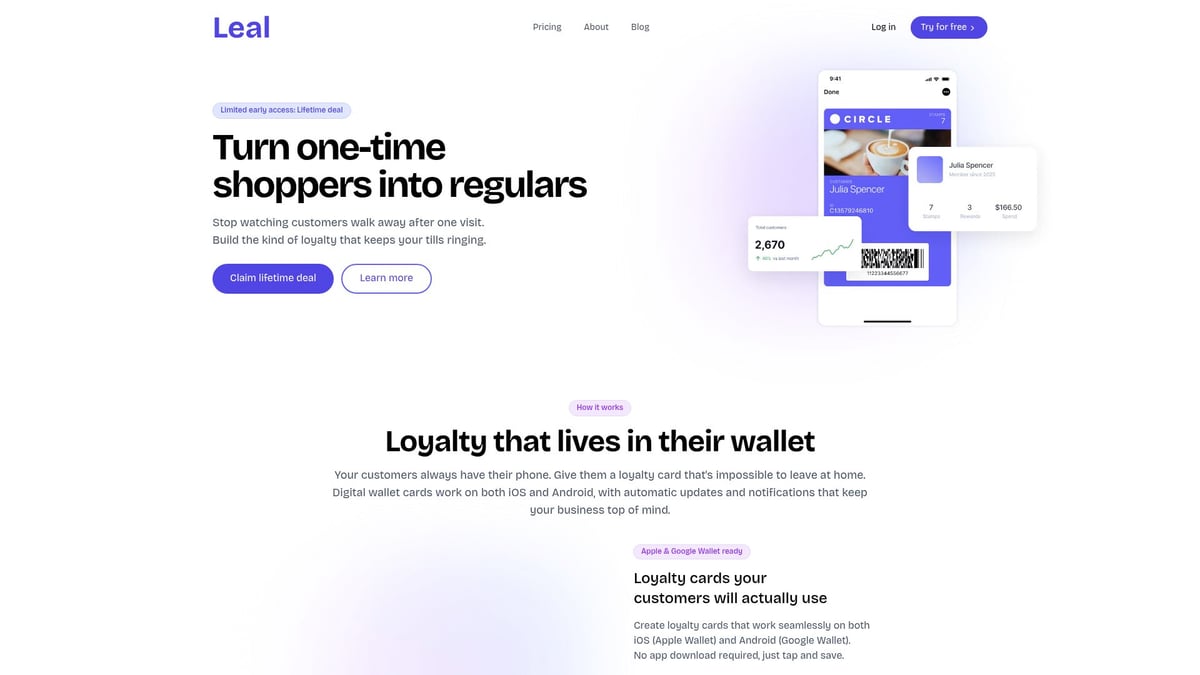
Real-time updates and push notifications keep customers engaged, while businesses access actionable analytics to optimize loyalty strategies. Leal’s dashboard is intuitive and works across iOS and Android, making it a top choice for coffee shops, restaurants, and retail stores. Businesses using Leal report faster loyalty adoption and improved retention, supported by data from small business customer retention statistics.
Future Trends & Innovations in Google Wallet
As we look ahead, the google wallet mobile app is rapidly evolving to meet the demands of a digital-first world. Several key trends are shaping its future, from digital identification to AI, emerging payment methods, and integration with smart urban environments.
Digital Identity and Government Services
The google wallet mobile app is pioneering the shift toward digital identity. Users can securely store digital driver’s licenses, health cards, and government IDs within the app. Early adoption is already underway in the US, EU, and Asia-Pacific regions. For travelers, these features enhance airport and transit experiences, as highlighted in Google Wallet’s New Features for Travelers. This seamless integration is setting a new standard for digital identification.
AI-Powered Financial Management
Artificial intelligence is transforming how users manage finances in the google wallet mobile app. Predictive analytics provide spending, savings, and investment suggestions tailored to individual habits. Users receive personalized offers and budgeting recommendations, helping them make smarter decisions. With built-in AI, the app acts as a financial advisor, empowering users to take control of their money and plan for future needs with greater confidence.
Integration with Emerging Payment Technologies
The google wallet mobile app is expanding support for new payment technologies. Users can expect integration with cryptocurrencies, cross-border payments, and digital currencies. Pilot programs for central bank digital currencies (CBDCs) are already running in select countries. This evolution ensures the app remains at the forefront of global payment innovation, giving users more flexibility and control in how they transact across borders and platforms.
Expanding Ecosystem: Smart Cities & IoT
Smart city initiatives are accelerating, and the google wallet mobile app is a key player in this transformation. Users can pay for public transport, access smart parking, and interact with city services directly from their device. Collaborations with urban infrastructure and IoT providers create seamless, efficient experiences. As cities become smarter, Google Wallet is poised to be the central hub for digital transactions and daily convenience.
As you’ve seen, mastering Google Wallet in 2026 opens new doors for both everyday convenience and business growth. Whether you want to streamline payments, manage loyalty rewards, or engage customers with real time updates, having the right tools makes all the difference. With solutions like Leal, you can easily launch digital loyalty programs that work seamlessly across iOS and Android. No more physical punch cards or complicated setups. Ready to take the next step and empower your business for the future of mobile payments and customer loyalty?
Get started
Building wallet passes yourself? Try our free developer tools: the pkpass inspector decodes any Apple Wallet pass in your browser, and the pass.json validator catches common PassKit mistakes before they cost you a rejected pass.