
Leal is now in ChatGPT
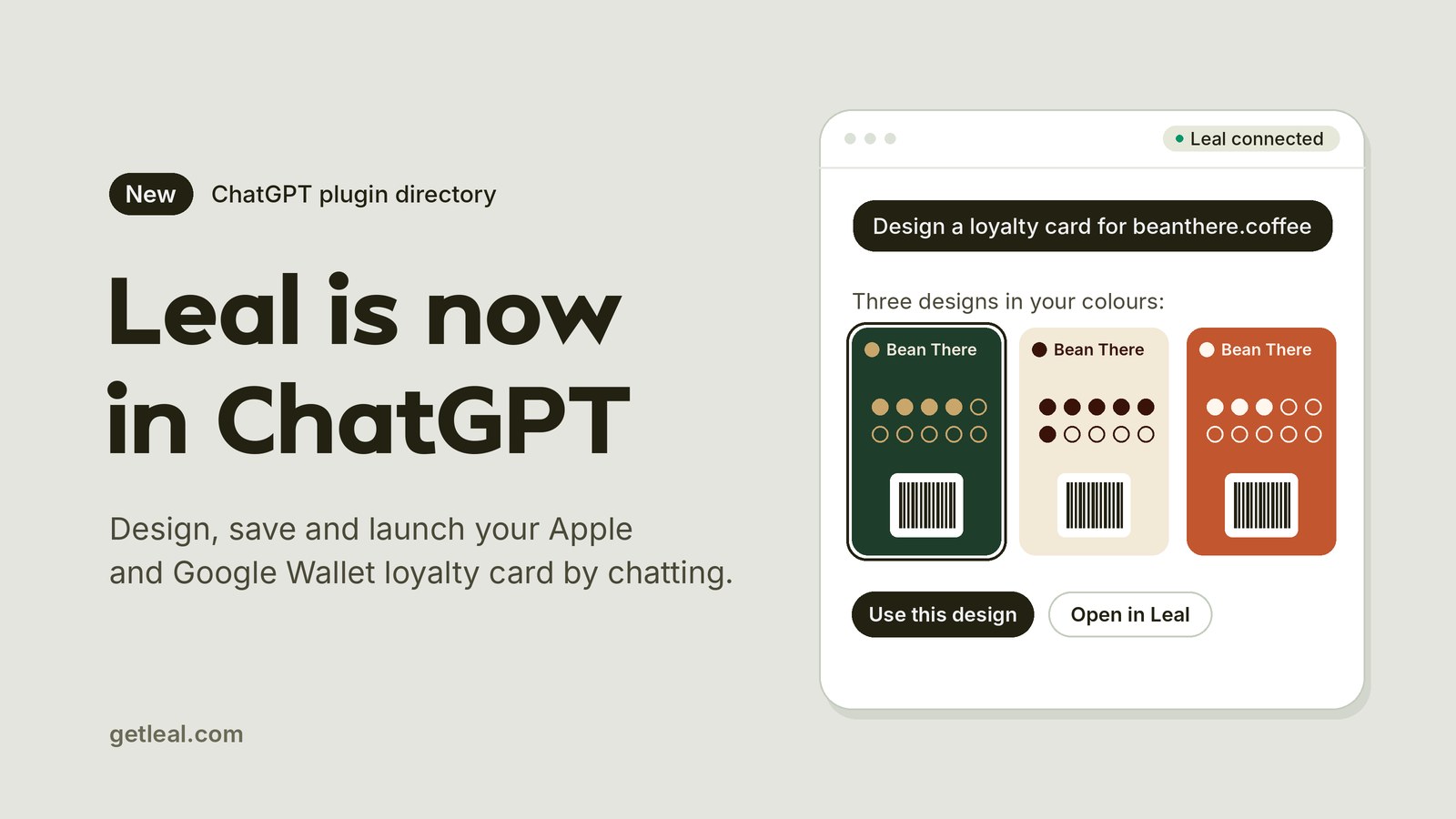
Leal is now in the ChatGPT plugin directory. OpenAI approved and published it today, so if you run a café, a salon or a shop, you can set up a digital loyalty card just by describing your business to ChatGPT.
What you can do with Leal in ChatGPT
Start with your website. Leal reads your business’s public name, colours and logo from it, then ChatGPT shows you two or three card designs side by side. They aren’t mockups: each one is drawn as a real Apple Wallet and Google Wallet pass, with a toggle to switch between the two and a slider to see how the card looks as stamps fill up.
From there you keep chatting:
- Change the design in plain words. “Make it darker”, “use a coffee cup for the stamps” or “try our green instead”.
- Save the one you like with its rewards, for example a free coffee after 10 stamps.
- Make a QR sign-up poster to print for your counter, so customers can scan it and add the card to their phone.
- Add your shop’s address, so the card can remind customers when they’re nearby.
- Check what’s already set up and what’s left to do, or change an existing card or reward. When you change a card, the passes already in your customers’ wallets update too.
How to add it
- Open Leal in the ChatGPT plugin directory.
- Add it to ChatGPT.
- Ask for a card: “Design a loyalty stamp card for my café. Here’s our website: …”
You don’t need a Leal account to see designs. When you’re ready to save one, ChatGPT asks you to sign in to Leal, or create an account, in your browser.
Already using Leal? Open AI agents in your settings menu and click Add Leal to ChatGPT.
A few things to ask
- “Design a loyalty stamp card for my café. Here’s our website: …”
- “Show me what’s set up in my Leal store and what’s left to do.”
- “Make a counter poster so customers can join my loyalty card.”
- “Add a reward to my card: a free pastry at 6 stamps.”
What it won’t do
We kept the plugin’s reach deliberately small. Leal in ChatGPT can’t delete anything, can’t see your customers’ names, email addresses or phone numbers, can’t stamp cards or redeem rewards, and doesn’t touch billing. All of that stays in the Leal app.
Designs stay previews until you say save, and you can disconnect it at any time in Leal under Settings → AI agents.
Does it cost anything?
No. It works on every Leal plan, including the free plan, which gives you one card with one reward, one poster and one location. Your plan’s limits apply the same way they do in the app.
Not using ChatGPT?
The plugin runs on Leal’s MCP server, which works with Claude, Claude Code, Cursor, VS Code, Codex and any other assistant that supports remote MCP servers. The setup steps for each one are on the Leal MCP page.
If you set up a card this way, I’d love to hear how it went, good or bad. Get in touch and tell us what worked and what didn’t.